Google Play Gift Card Guide: What It Is, How to Get, Use & Redeem It
What is Google Play Gift Card
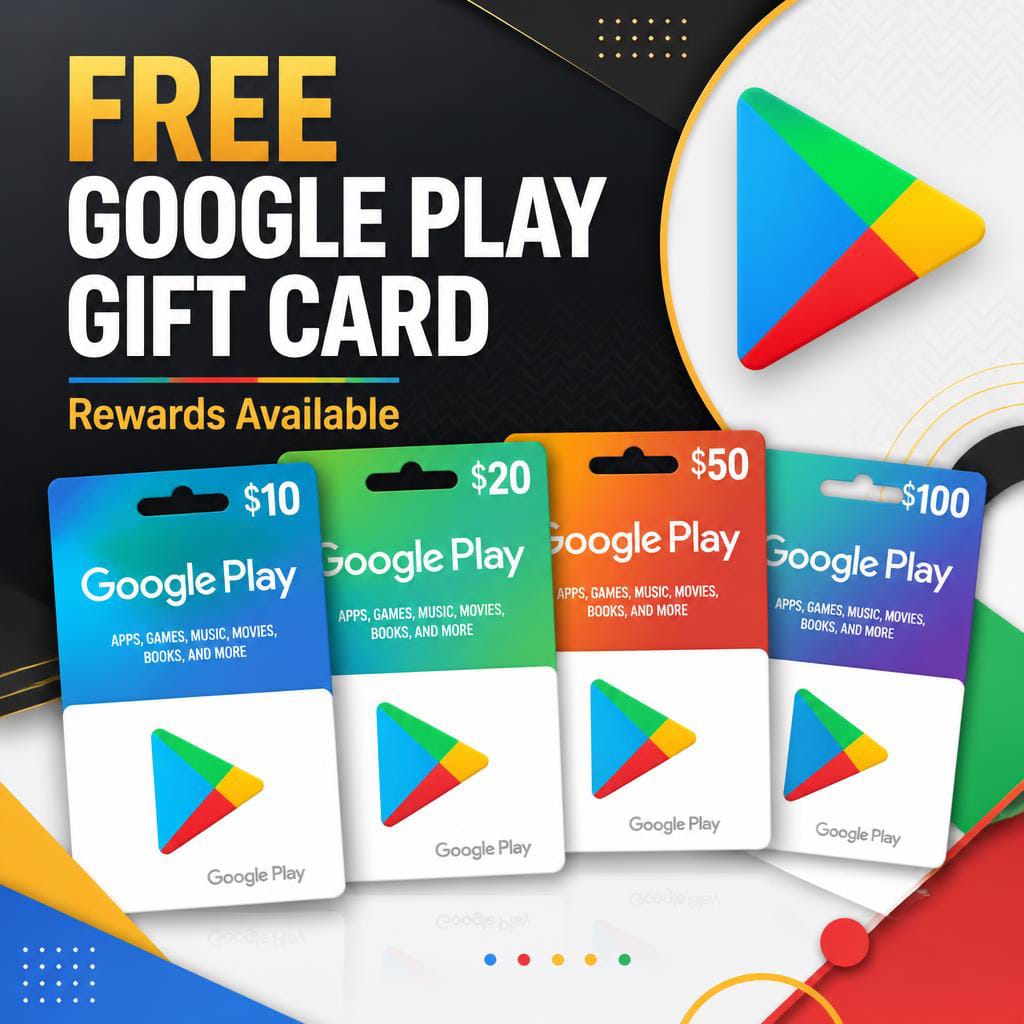
A Google Play Gift Card is a prepaid digital card that allows users to add funds to their Google Play account balance. It can be used to purchase apps, games, movies, books, subscriptions, and other digital content available on the Google Play Store. Each gift card contains a unique redemption code that is added to your Google account after activation. It is a convenient payment option for users who do not want to use a credit or debit card. Google Play Gift Cards are available in different denominations depending on the country. The balance remains in your account until it is spent. It offers a safe, secure, and flexible way to enjoy digital entertainment. Millions of Android users rely on Google Play Gift Cards for everyday purchases.
How to Get Google Play Gift Card

Google Play Gift Cards can be purchased from authorized retailers, supermarkets, convenience stores, and trusted online platforms. They are available as both physical cards and digital gift cards delivered by email. Online purchases are often processed instantly, allowing users to receive their codes within minutes. Always buy from official or authorized sellers to ensure the card is valid and secure. Avoid purchasing from unknown websites that may offer fraudulent or expired codes. Gift cards come in various values, allowing users to choose an amount that fits their budget. Most retailers accept debit cards, credit cards, and digital payment methods. Before purchasing, make sure the gift card is compatible with your country or region.
How to Use Google Play Gift Card
Using a Google Play Gift Card is simple and convenient. First, redeem the gift card code to add the balance to your Google account. Once the funds are added, they can be used to purchase apps, games, movies, books, and subscriptions from the Google Play Store. During checkout, Google Play Balance will appear as a payment option. The purchase amount is automatically deducted from your available balance. Any remaining funds stay in your account for future purchases. You can track your balance through your Google Play account settings. It is an easy way to control spending while enjoying digital content on Android devices.

How to Redeem Google Play Gift Card
To redeem a Google Play Gift Card, open the Google Play Store on your Android device or visit the Google Play website. Sign in to the Google account where you want to add the balance. Tap your profile icon and select the option labeled “Redeem Code” or “Payments & Subscriptions.” Enter the gift card code exactly as shown on the card and confirm the redemption. The balance will be added instantly to your Google Play account. You can verify the updated balance in your account settings. Once redeemed, the funds are ready to use for eligible purchases. The entire process takes only a few minutes and is quick, secure, and user-friendly